
Running a website or app is one thing.
Making good money from that traffic is another story.
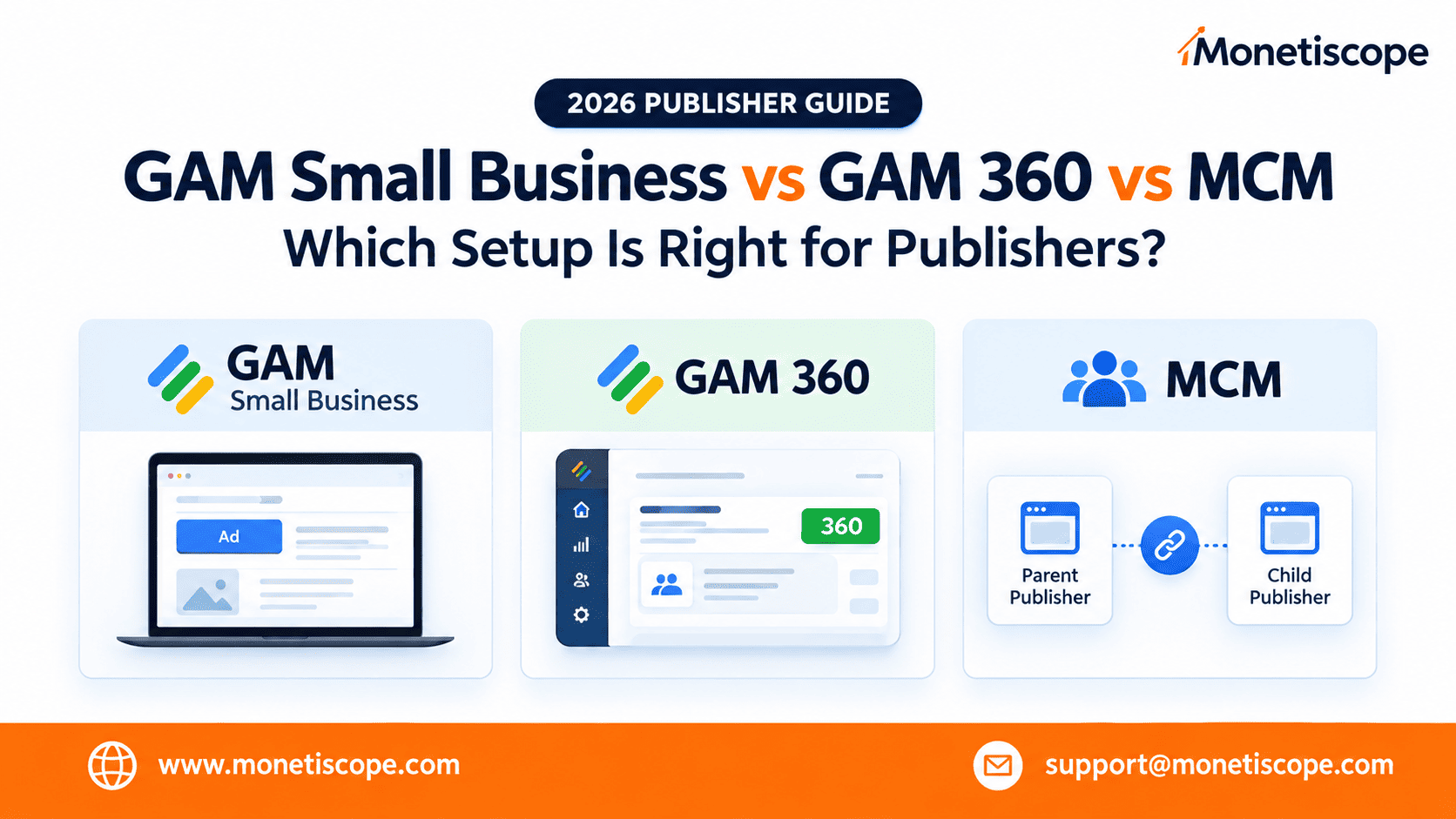
As your publisher business grows, you’ll probably hear three terms again and again:
jin88bet.oneGAM Small Business.
GAM 360.
MCM.
And honestly, the difference can feel confusing.
A small publisher may wonder:
“Do I really need GAM 360?”
A growing publisher may ask:
“Should I work with an MCM partner?”
And larger publishers often want to know:
“Is it time to move beyond the standard GAM setup?”
The answer isn’t the same for everyone.
Your best option depends on your traffic, inventory, monetization strategy, operational needs, and growth plans.
So let’s break everything down without making it unnecessarily technical.
ak168app.babyFirst, What Are GAM Small Business, GAM 360 and MCM?
Before comparing them, let’s understand what each one actually means.
GAM Small Business
GAM Small Business is the standard Google Ad Manager setup.
It’s designed for publishers who want to manage their advertising themselves.
You can manage inventory, ad units, trafficking, reporting, and other core ad operations.
For a smaller or growing publisher, this can be enough.
You don’t necessarily need an enterprise setup just because you’re using GAM.
What Is GAM 360?
Google Ad Manager 360 is the enterprise version of Ad Manager.
It is designed for publishers with more complex monetization needs.
The important thing here isn’t simply:
“More traffic = GAM 360.”
That’s too simplistic.
GAM 360 becomes more interesting when your business needs advanced capabilities, larger-scale operations, additional audience features, or more sophisticated monetization workflows.
For example, Google lists Audience Solutions as a GAM 360 feature. Google Help
So, the decision should be based on your business requirements.
Not just your monthly pageviews.
What Is MCM?
MCM stands for Multiple Customer Management.
This is where things get interesting.
MCM allows a parent publisher to work with child publishers.
Google describes two main delegation models:
Manage Account
and
Manage Inventory. Google Help
This means MCM isn’t simply another “version” of GAM.
It’s a way for publishers to work with another publisher or monetization partner.
ak168app.clubFor example, a publisher may work with an MCM partner for monetization support, account management, or inventory management.
The Simple Difference
Here’s the easiest way to understand them:
| Setup | Best For | Main Idea |
| GAM Small Business | Small and growing publishers | Manage your own monetization |
| GAM 360 | Larger or complex publishers | Advanced enterprise monetization |
| MCM | Publishers working with a partner | Partner-assisted management |
But this is only the starting point.
The real difference becomes clearer when we look at who should choose what.
GAM Small Business: Who Should Use It?
Let’s start with the simplest option.
GAM Small Business can make sense when you’re still building your publishing business.
You may have:
- One or a few websites
- Moderate traffic
- Basic ad operations
- Limited direct-sold campaigns
- A small ad operations team
- No need for advanced enterprise features
In this situation, moving straight to GAM 360 may not make much sense.
Why pay for complexity you don’t currently need?
That’s like buying a huge warehouse when you only have ten boxes.
Advantages of GAM Small Business
1. Simple to Start
You can manage your advertising operation directly.
There’s no need to introduce a partner into your workflow.
2. More Control
Your team controls the account and monetization setup.
You decide how your inventory is organized.
ks168app.siteYou also control your own optimization process.
3. Good for Growing Publishers
If you’re still building traffic, learning monetization, and testing ad formats, standard GAM can be a solid starting point.
You can learn how your inventory performs before moving toward more advanced setups.
When GAM Small Business Makes Sense
Choose this route when:
Your operation is relatively simple.
Your monetization needs are still basic.
You want to manage everything yourself.
You don’t currently need 360-only features.
In short:
Start simple when simple is enough.
GAM 360: Who Should Consider It?
Now let’s move to the bigger setup.
ic88GAM 360 is better suited to publishers with more advanced requirements.
Think about publishers managing:
- Large websites
- Multiple properties
- Complex inventory
- Large direct-sales operations
- Advanced audience strategies
- More sophisticated ad operations
- Enterprise-level monetization workflows
The important thing is that GAM 360 isn’t simply “GAM Small Business but bigger.”
It adds capabilities aimed at more complex publishing businesses.
For example, Google’s Audience Solutions are available through GAM 360. Google Help
Advantages of GAM 360
1. More Advanced Capabilities
Large publishers often need more than basic ad serving.
They may need advanced audience functionality, complex campaign management, and more sophisticated monetization workflows.
ic88That’s where 360 becomes more valuable.
2. Better for Complex Operations
Imagine managing:
10 websites
versus:
100+ websites and multiple apps.
The second operation needs a very different workflow.
GAM 360 is designed with those larger operations in mind.
3. Better Fit for Enterprise Publishers
If your business has dedicated ad operations, sales, analytics, and monetization teams, the enterprise setup can make more sense.
You aren’t just monetizing traffic anymore.
You’re running an advertising business.
When Should You Consider GAM 360?
Ask yourself these questions:
- Are you managing large-scale inventory?
- Do you need advanced GAM features?
- Do you have complex direct-sold campaigns?
- Do you need advanced audience capabilities?
- Are multiple teams working on monetization?
- Is your current setup becoming difficult to manage?
If several answers are yes, it’s worth evaluating GAM 360.
MCM: Who Is It Actually For?
Now comes the interesting part.
ic88MCM is useful when you don’t simply want software.
You also want another experienced publisher or monetization partner involved.
With MCM, a parent publisher can help manage a child publisher’s account or inventory.
Google currently supports two primary delegation types:
Manage Account
The parent gets access to manage the child publisher’s account.
The child publisher keeps access to its own settings.
Google says a child publisher can have only one Manage Account parent. Google Help
Manage Inventory
The child publisher delegates specific inventory to the parent.
The parent then manages that inventory from its own network.
A child publisher can have multiple Manage Inventory parents, up to Google’s current limit. Google Help
This distinction is extremely important.
Because MCM isn’t one single setup.
ic88The delegation model changes how management, reporting, tagging, and payments work.
MCM Manage Account vs Manage Inventory
| Feature | Manage Account | Manage Inventory |
| Parent manages | Child account | Delegated inventory |
| Child account | Remains active | Remains separate |
| Parent access | Child account | Parent network |
| Reporting | Child network | Parent network |
| Best suited for | Account-level management | Inventory monetization |
| Partner involvement | Higher | Focused on delegated inventory |
Google confirms that Manage Account reporting remains in the child’s network, while Manage Inventory reporting appears in the parent’s network. Google Help
Why Would a Publisher Choose MCM?
Here’s the biggest advantage.
You don’t have to figure everything out alone.
A good monetization partner can help with:
- Ad setup
- Monetization strategy
- AdX access where applicable
- Inventory optimization
- Reporting
- Yield optimization
- Ad operations
- Troubleshooting
- Policy-related guidance
- Scaling monetization
This can be especially useful for publishers who have traffic but don’t have a dedicated ad operations team.
Small Business vs GAM 360 vs MCM: The Real Difference
Now let’s make the comparison practical.
| Area | GAM Small Business | GAM 360 | MCM |
| Main purpose | Self-managed ad operations | Enterprise ad management | Partner-assisted management |
| Ideal publisher | Small/growing | Large/complex | Publishers needing a partner |
| Complexity | Low to moderate | High | Depends on partner/setup |
| Control | Publisher | Publisher | Shared/delegated |
| Partner needed | No | Not necessarily | Yes |
| Advanced features | More limited | More extensive | Depends on parent/setup |
| Inventory management | Own inventory | Own inventory | Delegated inventory possible |
| Best advantage | Simplicity | Advanced capabilities | Expertise + support |
One important point:
MCM is not necessarily an alternative to GAM 360.
In fact, MCM itself is available through GAM 360. Google Help
That’s a distinction many publishers miss.
Which Publisher Should Choose What?
Now let’s get to the part most readers actually care about.
Choose GAM Small Business If…
You’re a small or growing publisher.
Your setup is straightforward.
lr88You want to manage your own account.
Your current GAM features are enough.
You don’t need advanced enterprise capabilities.
Best choice: GAM Small Business.
Choose GAM 360 If…
You’re operating at a larger scale.
Your monetization setup is complex.
You need advanced features.
You have dedicated ad operations.
You manage multiple properties.
You need more sophisticated audience or campaign capabilities.
Best choice: GAM 360.
Choose MCM If…
You want help from an experienced monetization partner.
You don’t have a dedicated ad operations team.
You want someone to help optimize your inventory.
You want access to partner-led monetization opportunities.
You’d rather focus on content and traffic while experts handle more of the ad operation.
Best choice: MCM through a suitable partner.
What About a Publisher That Is Growing Fast?
This is where things get interesting.
Suppose you’re currently using GAM Small Business.
Your traffic is growing.
Revenue is increasing.
But suddenly, your monetization setup is becoming difficult to manage.
You have more ad units.
More demand sources.
More reporting.
lr88More optimization work.
More questions.
At this point, don’t automatically jump to 360.
lr88First ask:
What exactly is limiting us?
If your problem is simply optimization, you may need expert support.
If your problem is missing enterprise features, GAM 360 may be worth evaluating.
If your problem is operational capacity, an MCM partner may be more useful.
That’s a much smarter decision.
The Biggest Mistake Publishers Make
Many publishers think:
“More traffic means I need GAM 360.”
Not always.
Another publisher thinks:
“MCM means I lose control.”
Not necessarily.
And another thinks:
“Small Business GAM isn’t enough for me anymore.”
Maybe.
But you need to know why.
Your decision should come from your actual business requirements.
Not from someone simply saying:
lr88“360 is better.”
Of course it has more advanced capabilities.
But more features don’t automatically mean more revenue.
What Should You Compare Before Moving?
Before changing your setup, compare these areas.
1. Revenue
How much are you earning now?
2. eCPM
Is your inventory getting competitive demand?
3. Fill Rate
Are your ad requests being monetized?
4. Traffic
Where are your users coming from?
5. Inventory
How much inventory do you actually have?
6. Direct Deals
Are you selling campaigns directly?
7. Ad Operations
Who manages your monetization today?
8. Technology
Do you need advanced features?
9. Support
Can your current team handle optimization?
op8810. Growth
Where do you expect the business to be in 12 months?
That final question is often ignored.
And it shouldn’t be.
How Monetiscope Can Help Publishers
This is where Monetiscope can add real value.
Publishers don’t always need to jump between platforms blindly.
Sometimes, the better move is understanding what your current setup is actually missing.
The Monetiscope Team can help publishers evaluate their monetization setup based on their traffic, inventory, ad performance, and growth stage.
Depending on the publisher’s situation, Monetiscope can help with:
- GAM setup and optimization
- AdX monetization
- MCM onboarding and management
- Ad inventory optimization
- eCPM improvement
- Fill-rate optimization
- Ad placement strategy
- Multiple SSP demand
- Reporting and performance analysis
- Revenue troubleshooting
- Monetization scaling
The idea is simple.
Don’t choose the biggest setup just because it sounds impressive.
Choose the setup that fits your business.
And if your business is growing, build a path for the next stage too.
A Simple Decision Guide
Still confused?
Use this quick guide.
si88You’re a small publisher.
You manage your own ads.
Your needs are basic.
→ GAM Small Business
You’re a large publisher.
You have complex inventory and advanced monetization requirements.
→ Evaluate GAM 360
You’re growing.
But you don’t have a strong ad operations team.
→ Consider an MCM partner
You’re already on GAM.
But revenue isn’t where it should be.
→ Optimize first before changing everything
That last one is important.
Sometimes, the platform isn’t the problem.
The setup is.
Final Thoughts
GAM Small Business, GAM 360, and MCM aren’t simply three versions of the same thing.
They solve different problems.
GAM Small Business focuses on self-managed monetization.
GAM 360 is built for more advanced and complex publisher operations.
MCM lets publishers work with a parent partner for account or inventory management.
The right choice depends on your business.
Not just your traffic.
Not just your revenue.
88vAnd definitely not because someone told you that “bigger is always better.”
Start with your current needs.
Understand what’s limiting your growth.
Then choose the setup that solves that specific problem.
That’s how publishers build a monetization strategy that can actually scale.
Frequently Asked Questions
1. What is the difference between GAM Small Business and GAM 360?
GAM Small Business is the standard Ad Manager setup. GAM 360 is designed for publishers with more advanced and complex monetization requirements.
2. What is MCM in Google Ad Manager?
MCM stands for Multiple Customer Management. It allows parent publishers to manage a child publisher’s account or delegated inventory. Google Help
3. Is MCM the same as GAM 360?
No. MCM is a management framework available in GAM 360. It allows parent and child publisher relationships.
4. Who should use GAM Small Business?
Small and growing publishers with straightforward monetization needs can often start with GAM Small Business.
SEXXXXX-VN5. Who should consider GAM 360?
Publishers with larger or more complex operations should evaluate GAM 360, especially when they need advanced capabilities unavailable in their current setup.
6. What is MCM Manage Account?
Manage Account allows a parent publisher to access and manage the child publisher’s Ad Manager account. The child retains access to its settings. Google Help
7. What is MCM Manage Inventory?
Manage Inventory allows a publisher to delegate inventory to a parent publisher. The parent then manages that delegated inventory from its own network. Google Help
8. Should every growing publisher move to GAM 360?
No. Growth alone isn’t enough to justify the move. Publishers should evaluate the features, operations, inventory, and monetization requirements they actually need.
9. Can an MCM partner help improve publisher revenue?
A good MCM partner can provide monetization expertise, inventory management, optimization, and operational support. Actual revenue results depend on the publisher’s traffic, inventory, demand, implementation, and other factors.
10. Can Monetiscope help with GAM and MCM?
Yes. Monetiscope can help publishers with GAM optimization, AdX monetization, MCM management, ad inventory optimization, reporting, and revenue improvement strategies.