
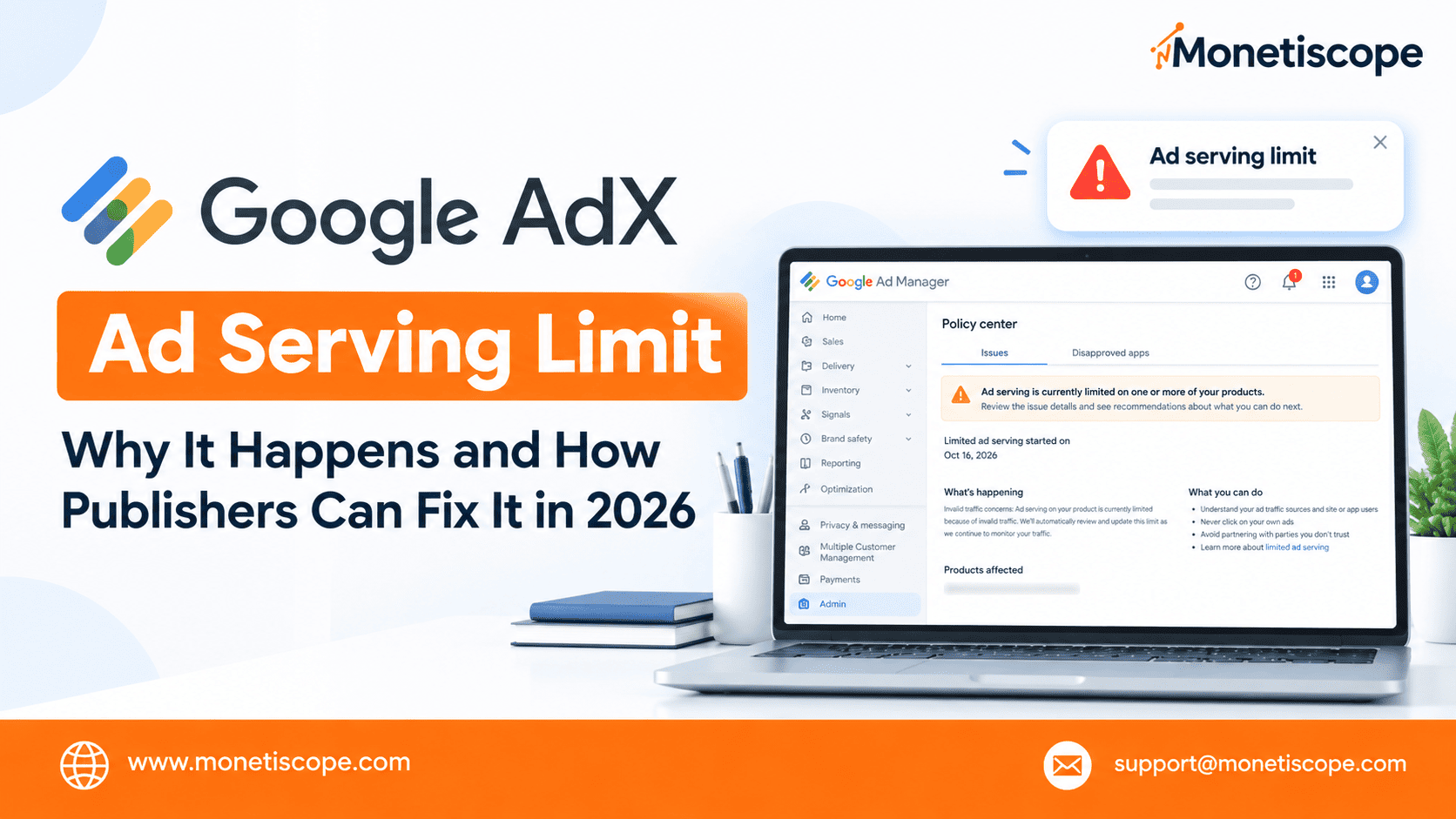
Your website is getting traffic, your content is performing well, and your Google AdX monetization setup is running normally.
Then suddenly, something changes.
Ad impressions start falling. Revenue drops. Your fill rate becomes unstable, and fewer ads appear despite regular website traffic.
For publishers who depend on advertising revenue, this situation can be frustrating.
But here’s the important question: Why is Google AdX limiting ad serving, and what can publishers do about it?
An ad serving limit can affect monetization when Google assesses an account’s traffic quality or identifies invalid traffic concerns. However, not every revenue drop means Google has restricted your account.
Sometimes, the problem comes from changing advertiser demand, technical issues, low bid density, or traffic quality.
In this guide, we’ll explain the major reasons behind Google AdX ad serving limits, including invalid traffic, misleading traffic sources, and problematic ad creatives.
We’ll also cover practical steps publishers can take to investigate restrictions, reduce future risks, and improve their monetization setup.
Finally, we’ll explain how the Monetiscope team can help publishers troubleshoot these challenges.
What Is a Google AdX Ad Serving Limit?
Google AdX, or Google Ad Exchange, allows eligible publishers to monetize their inventory through programmatic advertising.
However, Google expects publishers to maintain genuine traffic, comply with its policies, and implement advertisements responsibly.
When Google assesses traffic quality or identifies invalid traffic concerns, it may restrict ad serving.
These restrictions can reduce the number of advertisements served through affected demand sources.
Publishers may notice:
- A sudden decline in ad impressions.
- Lower programmatic advertising revenue.
- Changes in fill rate.
- Fewer ads appearing despite stable traffic.
- Different performance across demand sources.
However, these symptoms alone don’t confirm an ad serving limit.
A decline in advertiser demand or a technical issue can produce similar results.
Therefore, check your Google Ad Manager account and relevant policy notifications before making major changes.
You can read Google’s official Ad Manager ad serving limits documentation.
Why Is Google AdX Ad Serving Limited?
There isn’t one universal cause behind every restriction.
Google evaluates traffic quality and account activity, so publishers should investigate their individual circumstances.
Here are 12 important areas to review.
1. Invalid Traffic Concerns
Invalid traffic is one of the major risks for Google AdX publishers.
It includes artificial clicks or impressions that can improperly increase advertising costs or publisher earnings.
Examples may include automated activity, repeated artificial interactions, and certain forms of incentivized ad engagement.
Invalid traffic can originate from bots, suspicious traffic providers, or other sources.
Even if a publisher doesn’t intentionally generate invalid traffic, unusual activity can still require investigation.
What should publishers do?
Review traffic sources, identify unusual patterns, and investigate unexplained changes in clicks or impressions.
Avoid traffic schemes that promise guaranteed clicks or artificial engagement.
Read Google’s official invalid traffic guidance for Ad Manager.
2. Sudden Traffic Spikes
A sudden traffic increase isn’t automatically suspicious.
Your website might receive more visitors after a popular article gains visibility or a social media post goes viral.
However, unexpected spikes deserve attention when their source isn’t clear.
Check whether the increase came from:
- Organic search growth.
- Social media campaigns.
- Paid advertising.
- Unfamiliar referral websites.
- Automated or suspicious requests.
Compare traffic sources with engagement, landing pages, ad impressions, and server logs where available.
If a source generates unusually large amounts of traffic without a clear explanation, investigate it before scaling further.
3. Low-Quality Paid Traffic
Some traffic providers promise thousands of visitors at extremely low prices.
But a large visitor count doesn’t necessarily mean you have a valuable audience.
Certain providers may deliver automated visits, incentivized traffic, or users with little genuine interest in your content.
This becomes a risk when the traffic generates invalid ad impressions or clicks.
Before purchasing traffic, ask the provider how it acquires visitors and whether you can monitor individual sources.
Avoid services that promise guaranteed advertising clicks or artificial engagement.
Google provides guidance on purchasing website traffic.
4. Accidental Ad Clicks and Poor Placements
Poor ad placement can increase the risk of accidental interactions.
For example, a visitor may intend to tap a download button but accidentally click an advertisement beside it.
This can happen when advertisements appear too close to interactive elements.
Review placements around:
- Download buttons.
- Navigation menus.
- Sticky advertisements.
- Popups and floating elements.
- Pagination controls.
- Mobile interface elements.
Test your website on different screen sizes.
If you recently changed your theme, ad plugin, or placement settings, inspect those changes carefully.
Advertisements should remain clearly distinguishable from your website’s navigation and content.
5. Misleading Traffic Sources and Promotions
Misleading traffic is another area publishers should review carefully.
Sometimes, a campaign promises visitors something different from what the landing page actually provides.
For example, a promotion might advertise a free download but send users to an unrelated page filled with advertisements.
This mismatch can create a poor user experience and may attract visitors who have little interest in the actual content.
Publishers should investigate:
- Campaigns with exaggerated or misleading promises.
- Traffic sources that send visitors to unrelated landing pages.
- Promotions that misrepresent the website’s content.
- Incentivized visits designed primarily to generate ad activity.
- Referral sources showing unusual or unexplained engagement patterns.
How can publishers reduce this risk?
Make sure campaign messages accurately describe the destination page.
Use transparent traffic acquisition methods, and monitor the quality of visitors coming from each source.
Misleading promotions don’t automatically trigger an AdX limit in every case. However, traffic that generates invalid interactions or violates Google’s policies can create monetization risks.
6. Misleading Ad Creatives
Misleading ad creatives deserve special attention because they can affect both user experience and advertising compliance.
An ad creative might use exaggerated claims, confusing buttons, fake system alerts, or deceptive messages to encourage users to click.
Some advertisements may also resemble website navigation or download controls.
These practices can confuse visitors and create accidental interactions.
Publishers should review:
- Creatives containing deceptive claims.
- Fake download or update buttons.
- Ads resembling system warnings.
- Advertisements that imitate website navigation.
- Creatives that misrepresent their destination.
- Ads that encourage accidental clicks through confusing layouts.
What should publishers do?
Use the appropriate Google Ad Manager controls to review and block problematic creatives when necessary.
Investigate whether suspicious creatives are associated with particular campaigns or demand sources.
However, remember that a questionable creative doesn’t automatically prove that Google has applied an account-level limit.
Check the actual policy status and investigate the available evidence.
7. Suspicious Activity From Third Parties
Sometimes, suspicious activity originates from a third party without the publisher’s knowledge.
For example, an external campaign might generate repeated automated visits or unusual ad interactions.
This is why publishers should monitor their traffic rather than relying entirely on total visitor numbers.
Review unfamiliar referral domains, campaign performance, and unexplained changes in user behavior.
If you identify a potentially problematic source, investigate it and take appropriate action.
Google expects publishers to monitor their traffic quality, including traffic acquired through external partners.
8. New Accounts or Traffic Under Assessment
Google may limit ad serving while it assesses traffic quality.
An assessment doesn’t automatically mean the publisher deliberately violated a policy.
Google may need time to evaluate an account’s activity and traffic patterns.
During this period, publishers should continue building genuine traffic and maintaining policy-compliant implementations.
There isn’t a guaranteed removal date.
Google says ad serving limits typically affect publishers for less than 30 days, although some cases take longer.
Avoid repeatedly changing your setup in an attempt to force the restriction to disappear.
9. Incorrect Ad Implementation
Technical issues can sometimes look like an ad serving limit.
For example, a recent website update might break ad requests or prevent certain placements from loading correctly.
Review recent changes to:
- Google Publisher Tags (GPT).
- Ad unit configuration.
- Header bidding integrations.
- Consent management tools.
- WordPress themes and plugins.
- Custom ad placement code.
Compare the timing of these changes with the decline in impressions.
If the Policy Center doesn’t show an account restriction, investigate technical causes before assuming Google has limited your account.
10. Bot Traffic and Automated Requests
Bots visit websites for different reasons.
Some are legitimate crawlers, while others may generate suspicious requests or automated interactions.
Not every bot visit creates an advertising policy problem. The key is understanding whether the activity affects ad delivery or generates invalid impressions and clicks.
Look for:
- Unusual request patterns.
- Sudden traffic increases without a clear source.
- Repeated activity from suspicious sources.
- Unexplained changes in ad impressions.
- Traffic with unusual engagement patterns.
Use analytics and server logs to investigate.
Don’t block visitors based on one metric alone. Confirm the pattern before taking action.
11. Excessive Ads and Poor User Experience
More advertisements don’t automatically mean more revenue.
Some publishers increase the number of ad placements to maximize earnings. However, excessive advertising can make pages difficult to use.
Poor layouts can also increase accidental clicks or interfere with navigation.
Review your pages for:
- Excessive advertising around short content.
- Ads covering important page elements.
- Sticky placements that interfere with reading.
- Confusing separation between ads and content.
- Layout shifts that cause accidental interactions.
Focus on useful content and balanced ad placements.
A clean, user-friendly layout supports a better long-term publishing strategy.
12. Changes in Demand Mistaken for an Ad Limit
Not every decline in AdX revenue comes from a policy restriction.
Advertiser demand, competition, audience geography, device mix, and seasonal trends can affect revenue.
For example, your eCPM may fall because advertisers are bidding less aggressively.
Similarly, fill rate can decline because fewer eligible bids are available.
Before assuming an ad serving limit, compare:
- Ad requests and impressions.
- Fill rate and eCPM.
- Revenue by country and device.
- Demand source performance.
- Account notifications.
- Recent technical changes.
This comparison helps you distinguish an actual restriction from a normal performance change.
How to Confirm Whether Google AdX Has Applied a Limit
Before changing your monetization setup, confirm the account status.
Follow these steps:
Step 1: Sign in to Google Ad Manager.
Step 2: Open the Policy Center or relevant account notifications available to you.
Step 3: Check whether Google has reported an ad serving limit or invalid traffic concern.
Step 4: Note when the notification appeared.
Step 5: Compare the notification date with changes in impressions, revenue, and traffic.
If Google explicitly reports a restriction, follow the instructions available in your account.
If there is no restriction notice, investigate demand changes, technical problems, consent issues, and traffic quality.
Don’t rely on revenue alone to diagnose the problem.
AdX Ad Serving Limit vs. a Normal Revenue Drop
These problems can look similar, but their causes may be different.
| Situation | Possible explanation | What to investigate |
|---|---|---|
| Google reports an ad serving limit | Account-level restriction | Policy Center and account notifications |
| Impressions fall while traffic remains stable | Restriction or delivery issue | Account status and ad requests |
| Fill rate falls without a policy notice | Demand or technical issue | Eligible requests, bids, and implementation |
| eCPM falls while impressions remain stable | Lower auction revenue | Geography, demand, device, and format |
| Only certain pages lose ads | Page-level or technical problem | Ad unit setup and page implementation |
| Revenue changes after a campaign launch | Traffic quality or audience mix | Campaign sources and analytics |
These are diagnostic clues, not definitive proof.
For example, a lower eCPM alone doesn’t prove invalid traffic.
Similarly, a lower fill rate doesn’t automatically mean Google has restricted your account.
What Should Publishers Do When an AdX Limit Appears?
When revenue drops, making several changes at once can make diagnosis harder.
Instead, follow a structured process.
Step 1: Check Account Notifications
Review the Policy Center and identify the exact notification Google has provided.
Keep a record of when the issue appeared and any recommended actions.
Step 2: Compare Traffic Before and After the Limit
Compare a normal period with the period when ad delivery declined.
Review sessions, page views, traffic sources, devices, countries, and landing pages.
Then compare these patterns with ad requests, impressions, and revenue.
Step 3: Investigate Suspicious Traffic
Review new campaigns, referral partners, social promotions, and paid traffic providers.
If a source appears suspicious, pause it while you investigate.
Don’t assume every unfamiliar source is invalid. Look for evidence before deciding what to block.
Step 4: Review Ad Creatives and Placements
Inspect your website’s layout and the creatives appearing in your inventory.
Look for misleading buttons, confusing messages, accidental-click risks, and advertisements that imitate website controls.
Use available Google tools to investigate or block problematic creatives when appropriate.
Step 5: Audit Recent Technical Changes
Check recent changes to ad code, plugins, themes, consent tools, and bidding integrations.
If a change coincides with the decline, investigate it carefully.
Correct confirmed issues and document the changes.
Step 6: Follow Google’s Guidance
Google automatically reviews and updates ad serving limits as it monitors account activity.
Correcting a potential issue doesn’t guarantee immediate removal.
Avoid repeatedly switching ad code or demand sources to bypass a restriction.
Step 7: Monitor the Results
Continue reviewing traffic quality and ad delivery after making corrections.
Compare performance over time instead of judging the outcome from one day.
If the restriction remains, follow the guidance available in your account.
12 Ways to Reduce Future AdX Ad Serving Risks
No publisher can guarantee that an ad serving limit will never occur.
However, these practices can reduce avoidable risks.
- Prioritize genuine traffic: Build your audience through useful content and legitimate promotion.
- Investigate traffic spikes: Identify the source before scaling an unexpected increase.
- Vet traffic providers: Avoid services promising artificial engagement or guaranteed clicks.
- Never click your own ads: Use debugging tools instead of interacting with live advertisements.
- Prevent accidental clicks: Separate ads from navigation, downloads, and interactive elements.
- Review misleading campaigns: Make sure promotional messages accurately describe their landing pages.
- Monitor ad creatives: Investigate deceptive ads and use available controls to address problematic creatives.
- Segment traffic sources: Compare performance across campaigns, referral domains, devices, and countries.
- Review website logs: Investigate suspicious request patterns alongside analytics.
- Audit new integrations: Check ad requests after changing plugins, themes, or ad code.
- Scale campaigns carefully: Monitor traffic quality before increasing acquisition budgets.
- Establish a review routine: Check account notifications, traffic sources, ad delivery, and implementation changes regularly.
These practices don’t guarantee immunity from restrictions, but they help publishers investigate problems more efficiently.
Can an AdX Ad Serving Limit Be Removed?
Google can automatically update or remove an ad serving limit after reviewing an account.
However, removal isn’t guaranteed by a specific action or timeline.
The appropriate response depends on the restriction and any issues Google identifies.
Publishers should correct problems they discover, maintain compliant traffic, and follow the guidance provided in their accounts.
Be cautious of anyone promising instant or guaranteed removal.
No third party can guarantee that Google will lift an account-level restriction.
Will Switching to Another SSP Fix an AdX Limit?
Not necessarily.
Changing demand sources doesn’t resolve the underlying traffic-quality problem.
Google’s documentation states that ad serving limits can affect Google demand and third-party bidding demand in Ad Manager. Third-party waterfall sources, house ads, and directly sold campaigns aren’t affected in the same way.
However, this doesn’t mean publishers should use other demand sources to bypass Google’s restrictions.
Instead, identify which demand sources are affected and investigate the actual cause.
If you work with multiple SSPs, review each partner’s requirements and your implementation carefully.
How the Monetiscope Team Can Help AdX Publishers
An AdX ad serving limit can be difficult to diagnose because several issues produce similar symptoms.
Revenue may decline because of an account restriction, suspicious traffic, misleading promotions, problematic creatives, or changing advertiser demand.
The Monetiscope team can help publishers investigate these areas and improve their monetization setup.
1. Traffic Quality Analysis
We can help review available traffic reports and identify unusual patterns that deserve investigation.
This may include unexplained spikes, unfamiliar referral sources, and changes in campaign performance.
2. Google Ad Manager and AdX Audit
We can review your existing monetization setup and help identify potential implementation issues.
The review can include ad units, GPT configuration, placement behavior, and delivery troubleshooting.
3. Ad Placement Optimization
Our team can help review ad positions across desktop and mobile devices.
We can identify placements that may create a poor user experience or accidental-click risks.
The objective is to balance monetization opportunities with a compliant, user-friendly layout.
4. Traffic and Creative Review
We can help publishers investigate suspicious traffic sources and review available creative-related information.
This includes looking for misleading promotions, confusing ad placements, and potential implementation concerns.
Actual enforcement decisions remain with Google.
5. Demand and Revenue Analysis
Not every revenue decline comes from an ad serving limit.
We can help publishers investigate changes in fill rate, eCPM, impressions, and demand performance to narrow down potential causes.
6. Multiple Demand Source Review
For publishers using multiple SSPs or other demand sources, we can help review monetization configuration and performance.
This can improve visibility into delivery issues and support better-informed optimization decisions.
7. Ongoing Monetization Support
A single audit may not catch every problem.
We can help publishers establish a routine for reviewing traffic, monitoring ad performance, and checking implementation changes.
Important: Monetiscope cannot override Google’s enforcement decisions or guarantee ad limit removal. Our role is to help publishers investigate potential causes, improve their setup, and follow Google’s policies.
To discuss your monetization setup, contact the Monetiscope team at support@monetiscope.com.
Frequently Asked Questions
1. What is a Google AdX ad serving limit?
It’s a restriction on the number of ads a Google Ad Manager account can serve. Google may apply it while assessing traffic quality or when it identifies invalid traffic concerns.
2. Why is Google AdX limiting ad serving?
Possible reasons include account assessment and invalid traffic concerns. Review your Google Ad Manager Policy Center for the actual status.
3. How long does an AdX ad serving limit last?
Google says these limits typically affect publishers for less than 30 days, although some cases take longer. There is no guaranteed removal date.
4. Can an AdX limit happen if I haven’t purchased traffic?
Yes. Purchased traffic isn’t the only potential risk. Automated activity, accidental clicks, suspicious third-party activity, and other traffic-quality concerns can also matter.
5. Can misleading traffic cause AdX problems?
Misleading promotions can attract visitors who don’t receive the experience they expected. If traffic generates invalid interactions or violates Google’s policies, it can create monetization risks.
6. Can misleading ad creatives affect AdX monetization?
Deceptive creatives can create policy and user-experience risks. Review problematic advertisements and use the appropriate Google controls when necessary. A questionable creative alone doesn’t prove an account-level limit exists.
7. Does a low fill rate mean my AdX account is limited?
No. Fill rate can change because of demand conditions, auction competition, consent issues, or technical errors. Confirm your account status before drawing conclusions.
8. Can switching to another SSP remove an AdX limit?
There is no guarantee. Investigate the underlying issue first and ensure all monetization partners and implementations follow their applicable policies.
9. Can I remove an AdX limit myself?
You can investigate traffic and implementation issues and follow Google’s guidance. However, you cannot manually force Google to remove an account-level restriction.
10. Can Monetiscope guarantee AdX ad limit removal?
No. Monetiscope can help review traffic quality, ad implementation, and monetization performance, but only Google controls its enforcement decisions.
Final Thoughts
Google AdX ad serving limits can be stressful, especially when advertising revenue supports your publishing business.
But the right response isn’t to panic or change everything at once.
First, confirm whether Google has applied a restriction.
Then investigate traffic quality, misleading promotions, ad creatives, placement issues, and recent technical changes.
If Google has reported a limit, follow the guidance available in your account and allow its review process to continue.
Publishers who monitor traffic and maintain a clear understanding of their monetization setup are better prepared to investigate problems.
If you need help reviewing your AdX implementation or diagnosing a revenue decline, the Monetiscope team can help you take a structured approach.
Focus on genuine traffic, transparent promotions, compliant ad creatives, and consistent monitoring. That’s a stronger long-term strategy than searching for a shortcut around an ad serving limit.